

MTG Card Scanner
Hold a card up to your phone’s camera and it’s in your collection. Free, nothing to install, and it works on cards still in your binder.
Sign in with Google to save what you scan. It’s free.

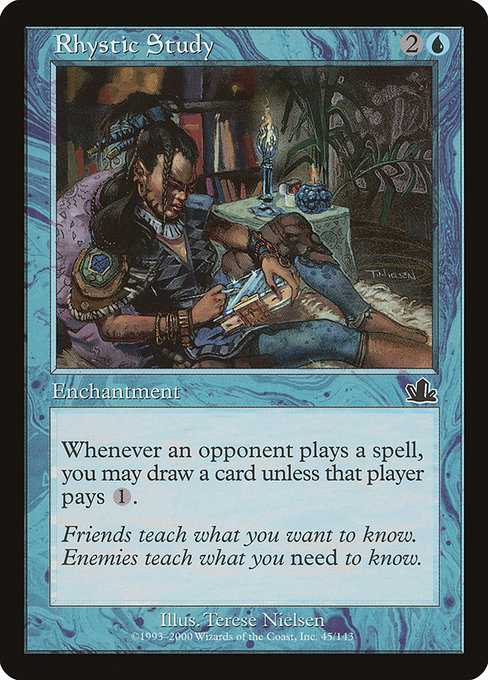
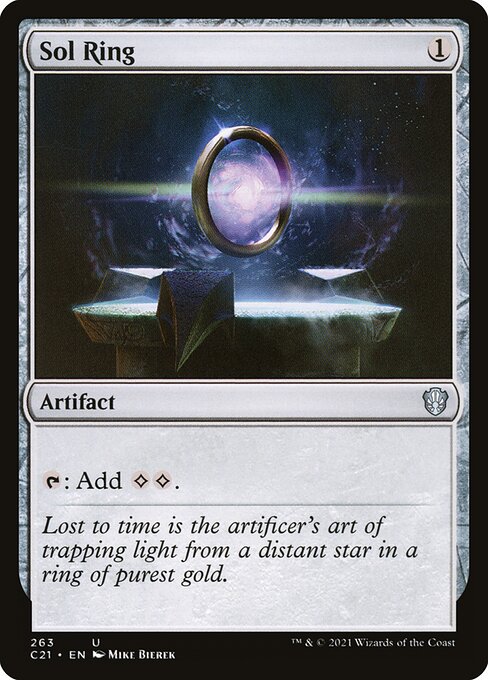
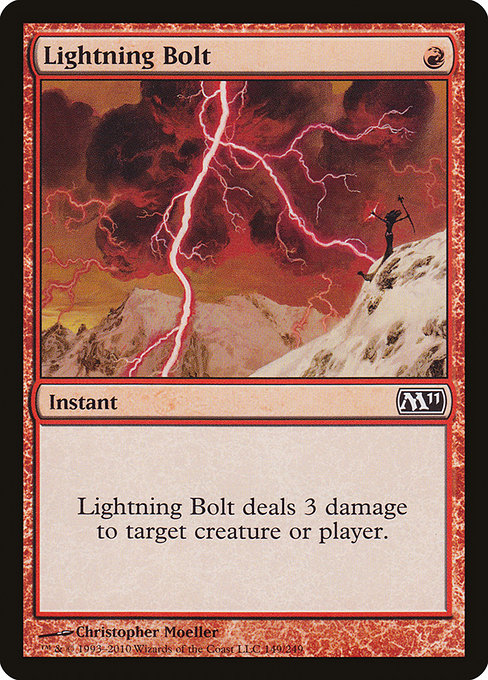
Card images from Scryfall
Built for the cards you actually own
Most collections live in boxes and binders, not neatly on a table. The scanner is made for that.
No app to install
It runs in your phone’s browser. Open the page, allow the camera, start scanning.
Scans through binder pages
Cards can stay in their pockets. Hold the phone over one pocket at a time and keep going.
Knows the printing, not just the card
It matches against more than 100,000 English paper printings, from Alpha on. When reprints share the same art, it asks which one you have.
You check before anything is saved
Scans go into a list where you change the printing, mark foils and set how many. Nothing reaches your collection until you add it.
Your photos stay on your phone
The camera image is read on your phone. Only a short fingerprint of the card is sent to find the match.
Free, with no limit
Scan a whole collection. No subscription, no daily cap.
How it works
Flip through a stack and each card is added on its own, with no button to press between cards.
Open the scanner on your phone
Sign in, tap Scan on your collection, and allow the camera.
Hold each card inside the frame
When the frame turns green, the card is added. Move on to the next one; the same card isn’t added twice while you hold it.
Check the list and add it
Fix any printing, mark foils, set quantities, then add everything to your collection in one tap.
- Tilt away from the light. Glare across the art is the main thing that stops a match, especially on foils and binder plastic.
- Fill the frame. Line the card’s edges up with the outline on screen.
- Hold still for a beat. A card is added once the scanner sees the same match twice in a row.
- Scanning one set? Tap Lock on the set to match only that set’s printings.
Then it’s a collection
Everything you scan lands in the collection tracker: what it’s worth tonight, which cards are moving, set completion, and the Commander decks you can build from what you own.
Card scanner FAQ
Is the card scanner free?
Yes. There’s no scan limit and no subscription. You need a free Nerd Leagues account so the cards you scan are saved to your collection.
Do I need to download an app?
No. The scanner runs in your phone’s browser, in Safari or Chrome. Open the page, allow the camera and start scanning. The first time, it takes a few seconds to load (about 7 MB); after that it starts right away.
Can it scan cards that are still in a binder?
Yes. Hold the phone over one pocket at a time, with the card inside the frame. Glare on the plastic is the main thing that stops a match, so tilt the page away from a ceiling light.
How does it know which printing I have?
It compares each card against more than 100,000 English paper printings, so it can tell a card’s Alpha printing from its Commander reprint by the art and frame. When reprints share exactly the same art, it marks the card so you can pick the right set in the review list.
What about foils?
Turn on Foil before you scan a stack of foils, or switch a single card to foil in the review list. Foil shine causes glare, so tilt foils away from the light.
Are my photos uploaded?
No. The camera image is read on your phone. Only a short fingerprint of the card, a list of numbers, is sent to find the match. No photo is stored or sent anywhere.
Does it need an internet connection?
Yes. Each card is matched on our servers, so the scanner needs a connection while you scan. Your scanned list is kept on your phone until you save it, so a dropped connection doesn’t lose your cards.
Scan your first stack
Grab a pile of cards and your phone. Your collection stays private unless you share it.